Plans get revised. Printed copies don't. PlanSync puts a small code on every issued sheet so anyone on site can check, in seconds, whether they're holding the latest revision.
In pilot with a handful of practices. Free to scan, no app, no login.
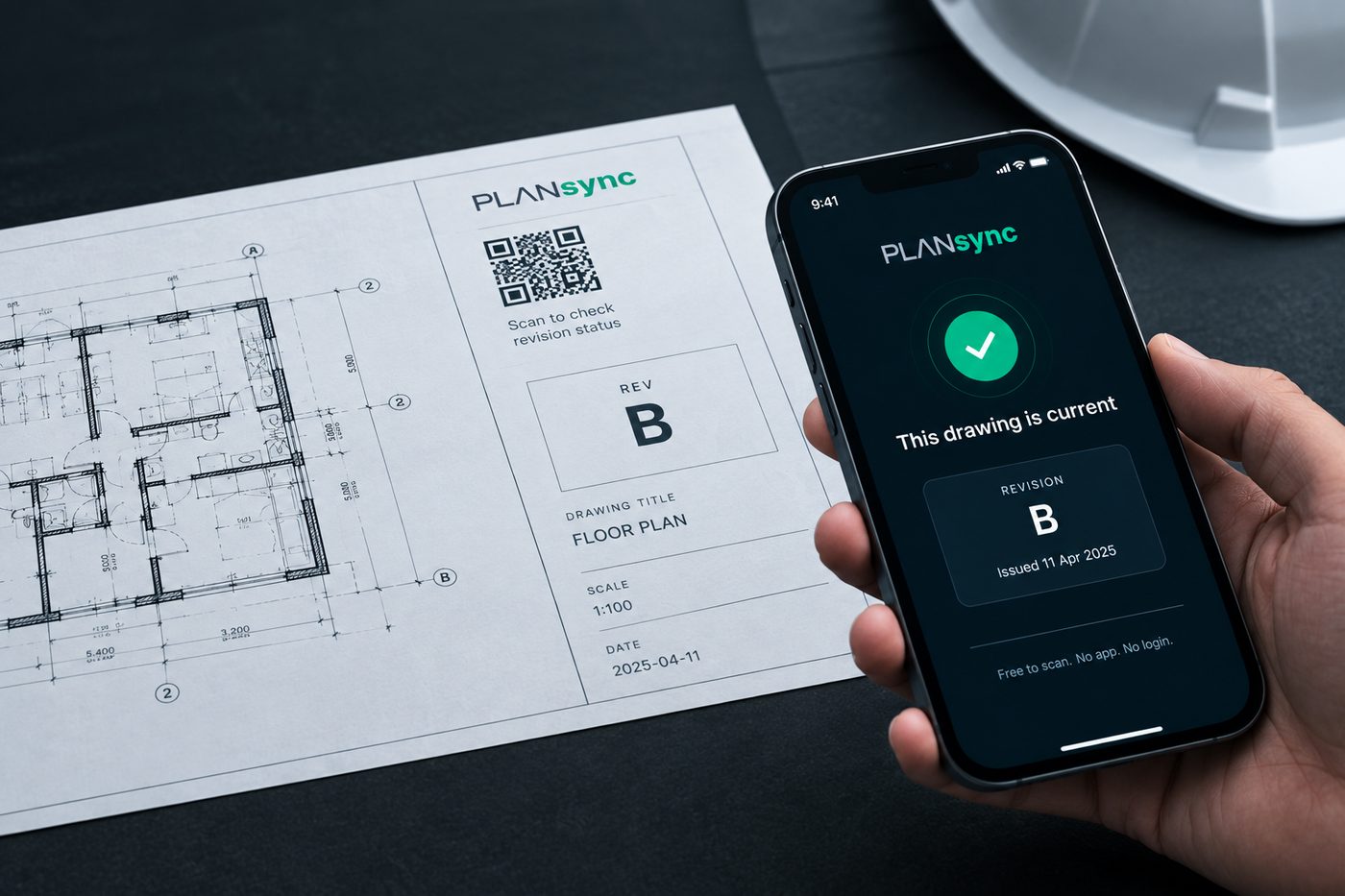
Until someone scans it. The result takes two seconds and needs no explanation.
Build from it. Nothing newer has been registered by the issuer.
Stop and check. A newer revision exists. This is the one that saves the rework.
Ask the issuer. The code isn't on record, so PlanSync can't vouch for it.
Today, confirming a revision means a phone call and hoping the print in the site shed is the right one. PlanSync gives each issued sheet a code that links to a permanent record of what was issued and when.
When a drawing is issued, its revision and a fingerprint of the file are added to the record, and a code goes on the page. PlanSync never keeps a copy of the drawing itself.
Phone camera, no app, no login, no charge. The result shows the revision, who issued it, and whether a newer one has since been registered.
Entries are added, never edited or removed. A superseded print says so. A file that has been altered no longer matches its fingerprint.
This is a demonstration drawing registered by PlanSync. Scan it, then play the part of the practice.
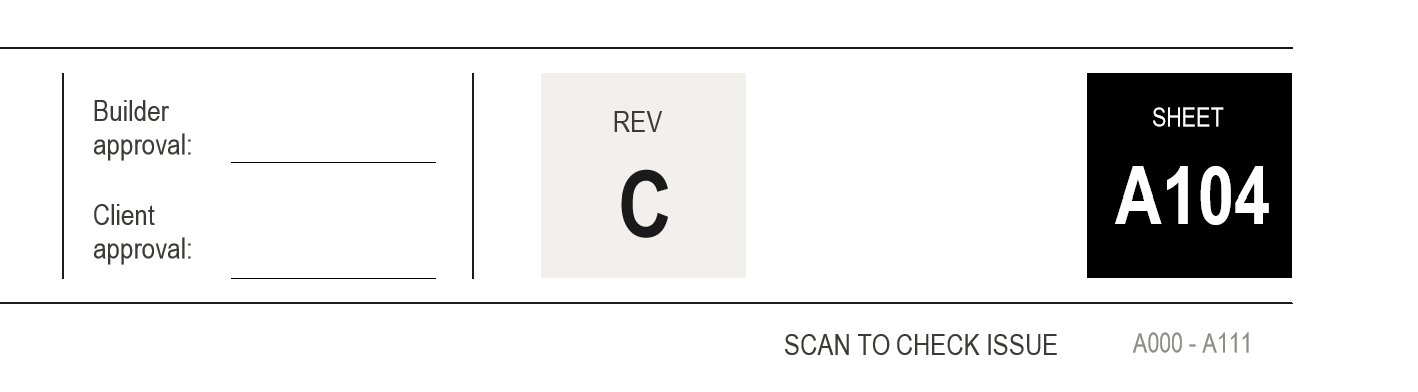
Reading this on your phone? Open the result, press the button, then open it again.
The people who receive drawings never pay. The practice that issues them pays one flat fee.
Certifiers, engineers, builders, trades, councils. Scan any PlanSync code and see the revision, the issuer and the date. No account, nothing to install.
Free, alwaysOne flat monthly fee per practice for unlimited stamping and revisions, with your code placed on every sheet and a permanent record of everything you register.
Pricing discussed during pilotThe result page you saw is the check. It tells you whether that revision is current or has likely been superseded. Questions about a particular drawing go to whoever issued it; questions about PlanSync itself come to us below.
PlanSync is in pilot. If you issue drawings and want to be told when it opens up, or you've seen a stamped sheet and want to know more, send us a note.
Prefer email? enquiries@plansync.com.au